Why Next Inventory fits internal inventory management

Most organisations keep track of their own equipment and supplies in a spreadsheet, and most of those spreadsheets are wrong within a month. Next Inventory is a Joomla component that replaces the spreadsheet with a proper audit-logged system: every laptop, tool, reagent and box of toner in one catalogue, every movement recorded, and an alert before anything runs out.
The spreadsheet problem
A spreadsheet has no memory. It shows the current count, not who changed it, when, or why. Nobody knows which of the three loan laptops is with the new starter, the toner ran out on Friday because nobody was watching that cell, and the annual audit turns into a week of asking around. Internal inventory is not a retail problem at a smaller scale. The questions are "who has it?" and "are we about to run out?", and those are the questions Next Inventory is built to answer.
Three kinds of things you own
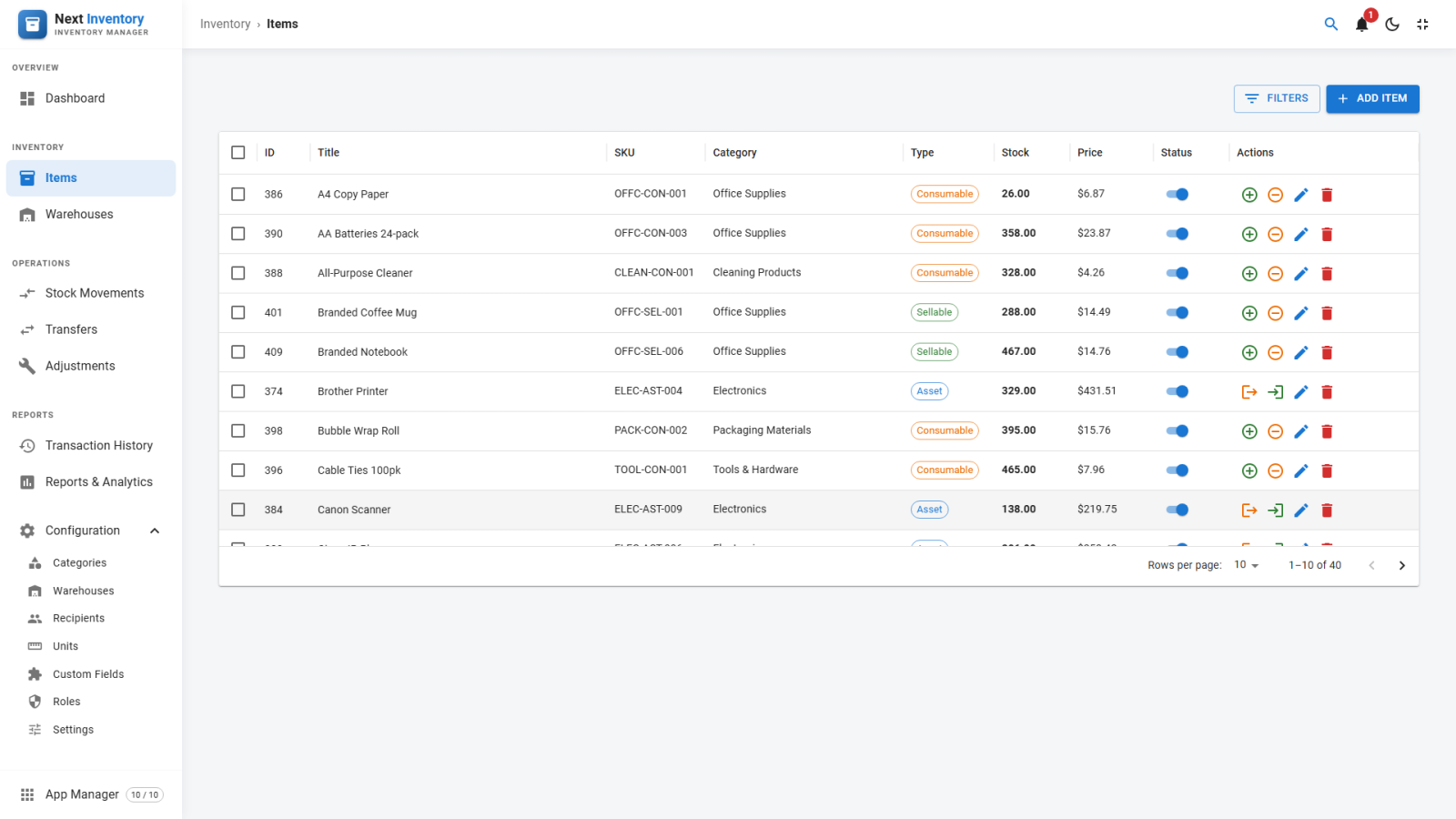
Next Inventory separates what you track into three item types, because they behave differently. Assets are equipment you check out to people and expect back: laptops, cameras, tools. Consumables are supplies that get used up: paper, chemicals, packaging. Sellables are products with stock levels, for the sites that also sell. The item type decides which transactions are available: check-out and check-in for assets, add and remove stock with a mandatory reason for consumables and sellables. Items carry SKUs, barcodes, serial numbers, decimal quantities, unit prices and their own units of measurement with conversion chains.
Know who has what
Every check-out goes to a recipient with a name, email and department, and a serial-numbered asset is tied to that specific unit, so the transaction log shows exactly which laptop is with which person. Transactions are uneditable once saved. The only way to reverse one is to record the opposite transaction, which is what makes the log a true record of what happened rather than a tidied-up version of it. Stock quantities update automatically when a transaction saves, so there is nothing to keep in sync by hand.
Never run out quietly
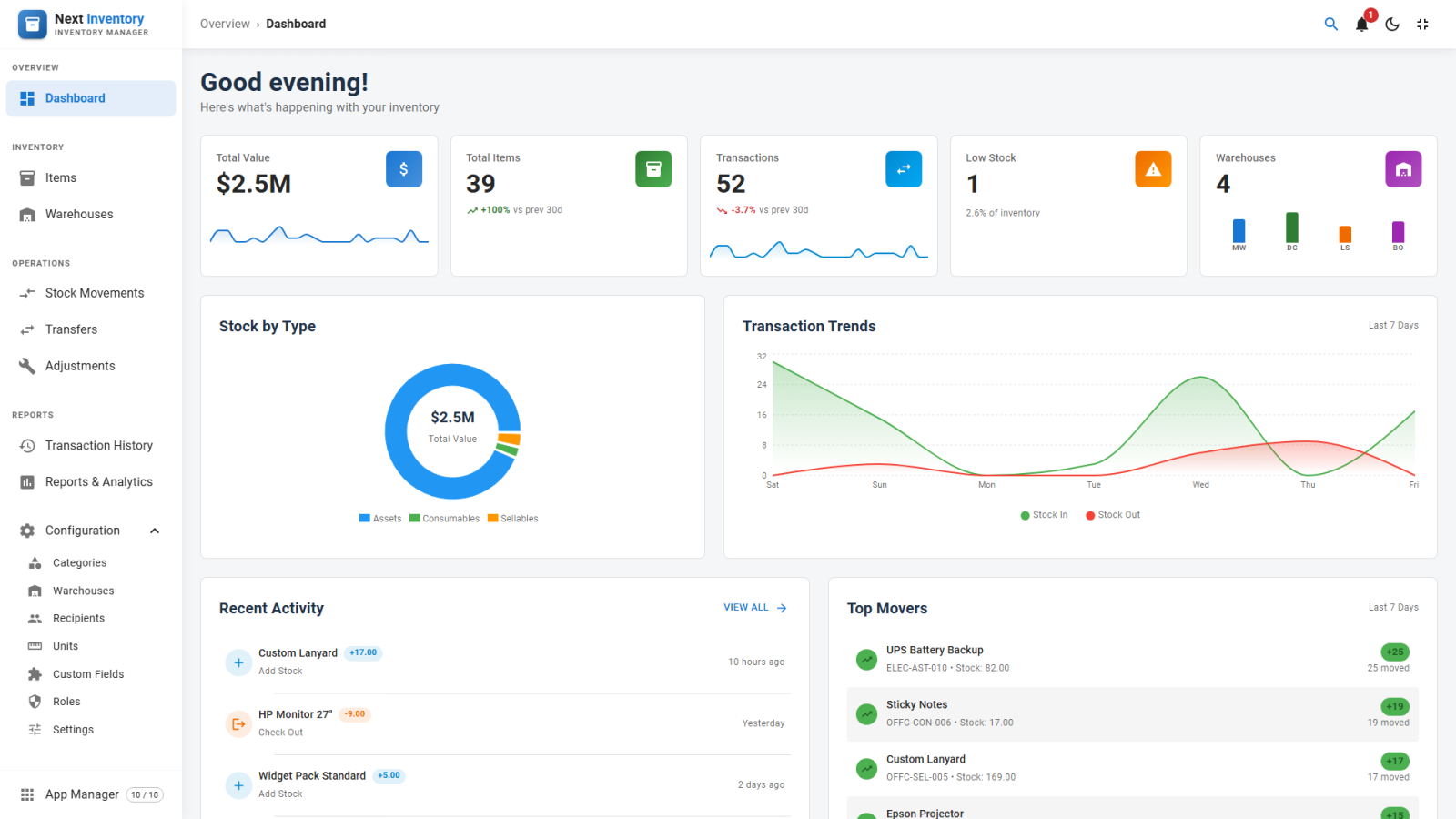
Each item has a low-stock threshold. When the live quantity drops to it, the item shows in red on the Items list, a dashboard widget lists it, and subscribed users receive an email and, if enabled, a browser push notification. Alerts are throttled to once per 24 hours per item per user, so nobody's inbox fills up because one shelf is empty. The widget's "Add stock" shortcut opens the stock dialog for that item on the spot.
Fast on the floor
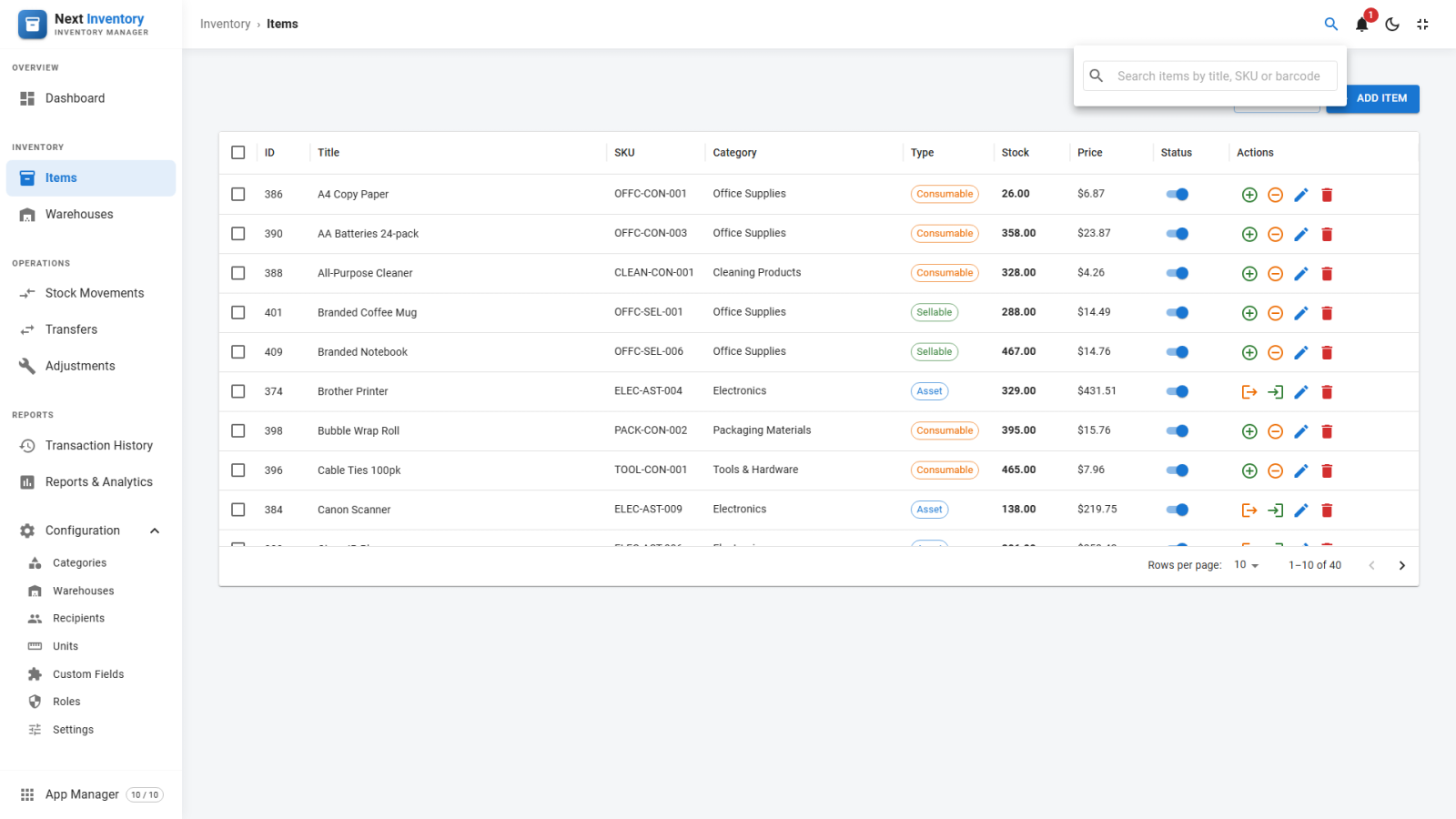
Any keyboard-wedge USB barcode scanner works with no drivers or configuration, and the built-in web scanner reads barcodes through a phone or tablet camera. Ctrl+K opens quick search from anywhere in the component to jump to an item by title, SKU or barcode, and a dedicated scanner page uses large fonts, high contrast and big tap targets for the stockroom.
Only the parts you need
An IT department does not need warehouse transfers, and a stockroom does not need custom fields. The App Manager switches whole areas off from one card grid and never deletes a thing. Roles carry granular per-feature permissions and are assigned to individual users or whole Joomla user groups, so the helpdesk can check equipment out without being able to delete anything. Custom fields add the columns your organisation actually needs, on items, warehouses and recipients, and currency and date formats are set once in Settings.
Reports when someone asks
Stock valuation comes from live quantities and unit prices. The transaction history filters by date range, item, recipient, type or warehouse, and movement trends are charted over any date range with last 7, 30 and 90 day and this-month presets. Any report exports to CSV or prints dark-on-white, even from dark mode.
Built for Joomla
Next Inventory runs on Joomla 4, 5 and 6 with PHP 8.1 or higher, is licensed under the GPL, and updates through Joomla's own update system with your download key. It works in light or dark alongside the rest of the administrator, and a one-click demo dataset lets you evaluate it against realistic data. Every seeded row is tracked, so removing the demo takes back exactly what it added and nothing else.